

Data resilience is no longer optional for modern enterprises. According to recent industry reports, the average cost of a data breach has reached $4.88 million, making robust backup infrastructure a financial imperative rather than just an IT checkbox. As we move through 2026, the landscape of commercial technology has shifted dramatically. Businesses can no longer rely on legacy tape drives or isolated local servers to protect their critical assets. The convergence of cybersecurity threats and operational complexity demands a unified approach to data protection. This guide outlines the precise steps to upgrade your company's data backup infrastructure, ensuring your business remains secure, compliant, and operational. (About Us 8902 Moore)
Step 1: Assess Your Current Data Landscape
Before purchasing new hardware or subscribing to cloud services, you must understand what you are protecting. Many organizations suffer from "backup sprawl," where data is scattered across unmanaged endpoints, legacy servers, and personal devices. This fragmentation creates blind spots that cybercriminals exploit.
Begin by conducting a comprehensive inventory of all data sources. This includes physical servers, cloud workloads, endpoint devices, and specialized industrial systems. For businesses in retail or industrial sectors, this often involves securing point-of-sale (POS) systems and manufacturing control networks. Data classification is the foundation of effective backup. You must distinguish between critical operational data, regulatory compliance records, and non-essential archives.
Moore Technology specializes in analyzing complex commercial environments. We help businesses identify these hidden data silos and map them to a unified protection strategy. By understanding the volume and velocity of your data, you can avoid over-provisioning or under-protecting your infrastructure.
Step 2: Define RTO and RPO Requirements
Two metrics dictate the architecture of your backup solution: Recovery Time Objective (RTO) and Recovery Point Objective (RPO). RTO is the maximum acceptable time to restore service after a failure. RPO is the maximum acceptable amount of data loss measured in time.
For a financial institution, an RTO of zero seconds and an RPO of zero minutes may be required, necessitating high-frequency replication and failover clusters. For a small retail office, an RTO of four hours and an RPO of 24 hours might be acceptable, allowing for nightly backups to a cloud repository. Defining these thresholds early prevents costly over-engineering.
According to data from the Federal Communications Commission, businesses that fail to meet their recovery objectives often face significant operational downtime that can last for weeks. Setting clear, business-aligned RTO and RPO targets ensures your IT team builds a solution that matches your actual risk tolerance.
Step 3: Implement a Hybrid Backup Strategy
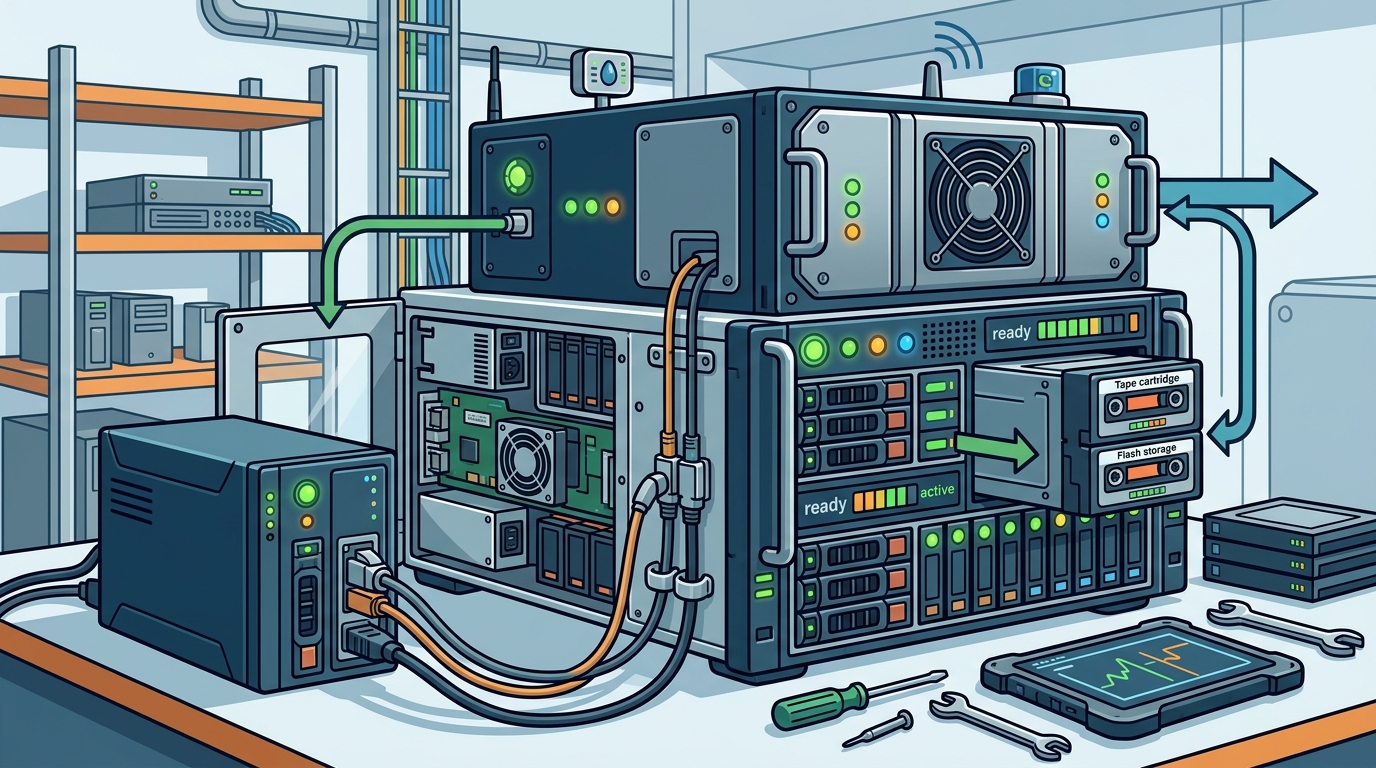
The modern standard for data resilience is a hybrid approach. This combines the speed of local backups with the off-site security of cloud storage. Local backups allow for rapid recovery of large datasets without being bottlenecked by internet bandwidth. Cloud backups provide geographic redundancy, protecting against site-specific disasters like fire, flood, or theft.
Moore Technology designs tailored hybrid solutions that integrate seamlessly with your existing network infrastructure. We utilize structured cabling and high-speed network installations to ensure that data moves efficiently from your servers to your backup repositories. This strategy is particularly vital for multi-site deployments, where consistency across locations is key.
When selecting your hybrid components, consider the following:
- Local Appliance: A dedicated hardware device on-premise for fast, daily snapshots.
- Cloud Tier: Encrypted, immutable storage in a geographically distant data center.
- Network Optimization: Bandwidth management to ensure backups do not disrupt daily business operations.
This layered approach ensures that even if one layer fails, your data remains intact. It is a proven method for maintaining business continuity in an unpredictable digital landscape.
Step 4: Integrate Cybersecurity and Backup
Traditional backups are vulnerable to ransomware. If your backup files are accessible over the network, attackers can encrypt them along with your primary data. Therefore, your upgrade must include robust security integration. This involves implementing immutable backups, which cannot be altered or deleted for a set period, and air-gapped storage solutions.
Moore Technology emphasizes the convergence of IT support and physical security. Just as we install intrusion alarms and access control systems to protect your physical premises, we configure digital safeguards to protect your data. This includes monitoring for anomalous access patterns and ensuring that backup credentials are strictly controlled.
Furthermore, regular penetration testing of your backup infrastructure is essential. This simulates real-world attacks to identify weaknesses before malicious actors do. By treating your backup system as a critical security asset, you significantly reduce the risk of total data loss. According to cybersecurity reports, companies with immutable backup strategies are far less likely to pay ransoms, as they can restore from clean, uncorrupted copies.
Step 5: Automate Monitoring and Testing
A backup that fails to run is worse than no backup at all. Manual monitoring is prone to human error and oversight. You must implement automated monitoring tools that alert your IT team immediately if a backup job fails, slows down, or encounters an error. These alerts should be sent via multiple channels, including email and SMS, to ensure timely response.
Equally important is regular restoration testing. A backup is only as good as its ability to be restored. Schedule quarterly or monthly drills where you attempt to recover data from your new infrastructure. This validates the integrity of your backups and ensures your team is familiar with the recovery process.
Moore Technology provides comprehensive managed IT services that include proactive monitoring and maintenance. Our technicians oversee your backup infrastructure 24/7, ensuring that any issues are resolved before they impact your business. This peace of mind allows you to focus on growth rather than worrying about data integrity.
Key Takeaways
- Inventory First: Conduct a full audit of all data sources, including POS systems and industrial networks, before selecting a solution.
- Define Metrics: Establish clear RTO and RPO targets to guide your technology choices and avoid over-engineering.
- Hybrid is Best: Combine local speed with cloud redundancy for maximum resilience against both technical and physical disasters.
- Secure Backups: Implement immutable storage and air-gapping to protect against ransomware attacks.
- Automate Testing: Use automated monitoring and regular restoration drills to ensure your backups are always viable.
- Expert Partnership: Leverage managed IT providers like Moore Technology for complex deployments and ongoing support.
- Montana Focus: As of 2026, Moore Technology is dedicated to serving Montana businesses with elite, on-site technical support.
Frequently Asked Questions
What is the difference between RTO and RPO?
RTO (Recovery Time Objective) is the maximum time your business can afford to be down after a failure. RPO (Recovery Point Objective) is the maximum amount of data you can afford to lose, measured in time. For example, an RPO of 1 hour means you can lose up to one hour of data.
Why is a hybrid backup strategy recommended?
A hybrid strategy combines the speed of local backups for quick recovery with the off-site security of cloud storage for disaster recovery. This ensures data is protected against both local hardware failures and site-specific disasters like fire or flood.
How does Moore Technology support data backup infrastructure?
Moore Technology provides end-to-end support, including initial assessment, design, installation, and ongoing managed IT services. We specialize in integrating backup solutions with your existing network and security infrastructure to ensure seamless operation.
Can Moore Technology help with ransomware protection?
Yes. We integrate advanced cybersecurity measures into your backup infrastructure, including immutable storage and access control systems. This ensures that your backups remain clean and recoverable even in the event of a ransomware attack.
What industries does Moore Technology serve for IT support?
Moore Technology serves a wide range of industries, including retail, industrial, and commercial sectors. We have extensive experience supporting businesses like Ace Hardware, Walmart, and Albertsons/Safeway, ensuring their critical systems remain operational.
Is remote monitoring available for backup systems?
Yes. Moore Technology offers 24/7 remote monitoring and support. Our technicians can diagnose and resolve many issues remotely, ensuring minimal downtime for your business. We also provide on-site support for complex hardware installations.
How often should I test my backup restoration?
It is recommended to test your backup restoration at least quarterly. Regular testing validates the integrity of your backups and ensures your team is prepared to execute the recovery process efficiently during an actual emergency.
Contact Moore Technology for Your Data Backup Upgrade
Upgrading your data backup infrastructure is a critical step in securing your business's future. Do not leave your data protection to chance. Moore Technology is your trusted partner in technology success. We provide comprehensive IT support, cybersecurity, and security system integration tailored to your unique needs.
As we enter 2026, our team is fully dedicated to serving Montana and surrounding states with elite technical expertise. Whether you need a simple backup solution or a complex, multi-site security infrastructure, we are here to help. Contact us today to schedule a consultation and discover how we can protect your business.
Contact Moore Technology to get started.