

Data resilience is no longer optional for modern enterprises. According to recent industry reports, the average cost of a data breach has reached $4.88 million, making robust backup infrastructure a critical financial safeguard rather than just an IT utility. Companies that fail to modernize their backup protocols face not only data loss but also severe regulatory penalties and operational downtime. This guide outlines the precise steps to upgrade your company's data backup infrastructure, ensuring continuity, security, and compliance. (About Us 8902 Moore)
Step 1: Assess Your Current Backup Landscape
Before deploying new technology, you must understand the scope of your existing data ecosystem. Legacy backup systems often suffer from siloed data, where critical information is trapped in incompatible formats or disconnected storage arrays. This fragmentation creates blind spots that ransomware attackers exploit.
Begin by auditing your current hardware and software stack. Identify which servers, databases, and endpoints are currently unprotected or under-protected. For businesses operating in Montana, Texas, or Colorado, understanding the physical location of your data is just as important as the digital architecture. Moore Technology specializes in evaluating complex commercial environments to identify these critical gaps. We provide comprehensive IT support and cyber security assessments that map your entire digital footprint.
During this phase, also evaluate your current service level agreements (SLAs). Are your existing providers meeting your recovery time objectives? If you are struggling with delayed support or outdated hardware, it is time to consider a managed IT partner who can offer immediate, prompt resolution for your backup infrastructure needs.
Step 2: Define RTO and RPO Requirements
Recovery Time Objective (RTO) and Recovery Point Objective (RPO) are the foundational metrics of any backup strategy. RTO defines how quickly you must be back online after a failure, while RPO determines how much data you can afford to lose. For example, a financial institution might require an RPO of zero minutes, whereas a retail store might tolerate hours of data loss.
To define these metrics accurately, you must categorize your data by business criticality. Not all data is created equal. Mission-critical applications require near-instantaneous recovery, while archival data can tolerate longer restoration periods. This classification process ensures that you do not overspend on high-performance storage for low-priority files.
According to data from the Ponemon Institute, organizations with defined RTO and RPO policies recover from cyber incidents 30% faster than those without. Establishing these benchmarks early in the upgrade process prevents scope creep and ensures that your new infrastructure is tailored to your specific operational needs.
Step 3: Select the Right Backup Architecture
Once your requirements are clear, you must choose a backup architecture that aligns with your scale and budget. The three primary models are on-premises, cloud-based, and hybrid. Each has distinct advantages depending on your industry and regulatory environment.
On-Premises Backup
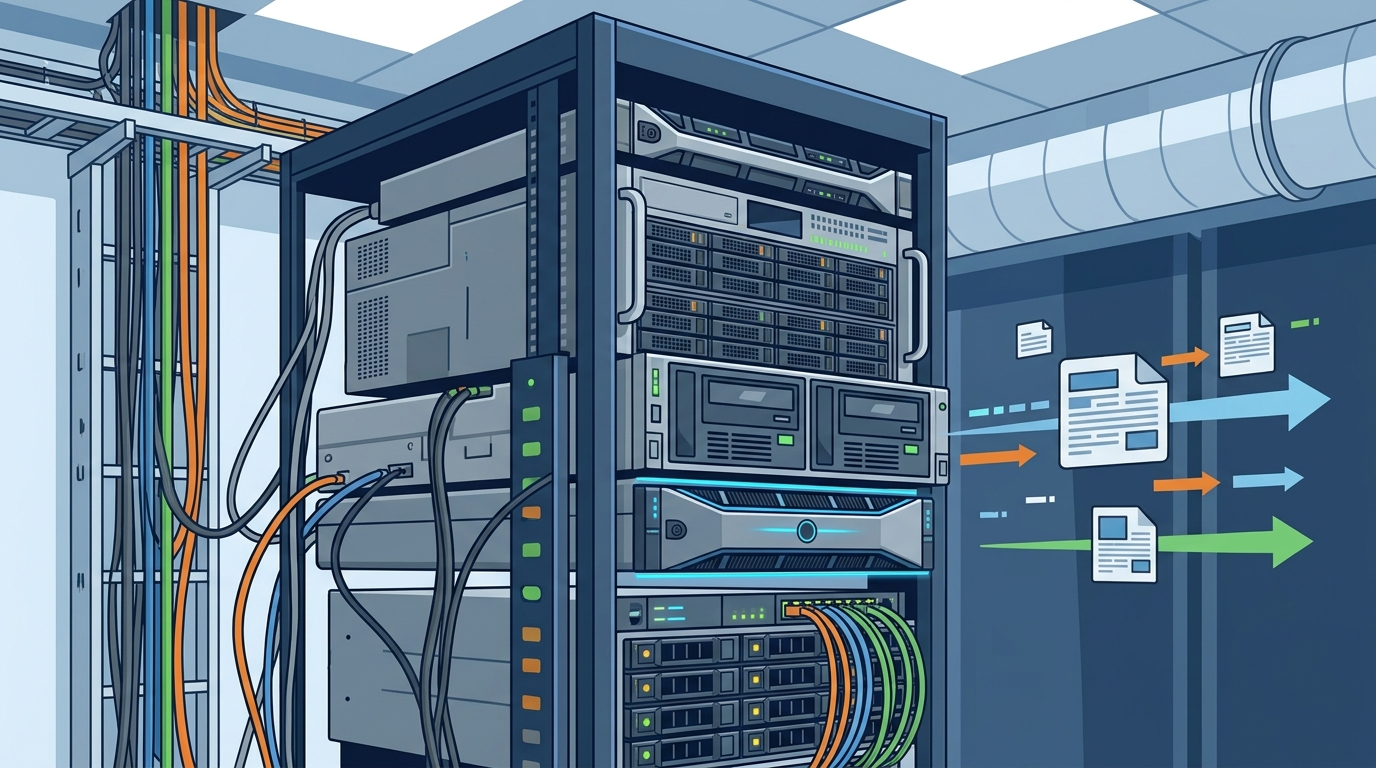
On-premises solutions keep data within your physical facility. This model offers maximum control over data sovereignty and can be faster for local restores. However, it requires significant capital expenditure for hardware and dedicated staff for maintenance. For businesses in the Mountain West region, local hardware support is crucial for minimizing downtime.
Cloud-Based Backup
Cloud backup offers scalability and off-site redundancy. It eliminates the need for physical hardware maintenance and provides automatic updates. However, reliance on internet connectivity can be a bottleneck for large data transfers. Companies must ensure their network infrastructure can handle the bandwidth requirements of cloud synchronization.
Hybrid Approach
A hybrid model combines the speed of on-premises storage with the resilience of the cloud. Critical data is backed up locally for rapid recovery, while secondary copies are sent to the cloud for disaster recovery. This approach is increasingly popular among enterprises seeking a balance of performance and security.
| Feature | On-Premises | Cloud-Based | Hybrid |
|---|---|---|---|
| Initial Cost | High | Low | Medium |
| Recovery Speed | Fast | Variable | Fast |
| Data Control | Full | Limited | High |
| Scalability | Low | High | High |
Step 4: Implement Immutable Security Protocols
Traditional backups are vulnerable to ransomware because attackers can encrypt or delete backup files once they gain access. To counter this, you must implement immutable backup storage. Immutable storage ensures that once data is written, it cannot be modified or deleted for a set period, even by administrators.
This "write-once, read-many" (WORM) capability is your last line of defense against data destruction. Moore Technology integrates advanced cyber security measures into all managed IT services, ensuring that your backup infrastructure is not just a storage silo but a secure, protected asset. By using immutable storage, you guarantee that a clean copy of your data is always available for restoration.
Additionally, enforce strict access controls. Only authorized personnel should have the ability to manage backup policies. Biometric entry systems and multi-factor authentication (MFA) are essential for protecting the administrative interfaces of your backup solutions. This aligns with the highest level of security standards required for commercial buildings and industrial environments.
Step 5: Automate Testing and Monitoring
A backup is only as good as its ability to restore data. Many organizations discover their backups are corrupted only when they need them most. Therefore, automating regular restore tests is non-negotiable. Schedule weekly or monthly automated tests to verify data integrity and recovery speed.
Monitoring tools should provide real-time alerts for backup failures, storage capacity issues, or unusual activity. This proactive approach allows your IT team to address problems before they become critical incidents. Moore Technology offers 24/7 IT and internet connection support, ensuring that any anomalies in your backup infrastructure are addressed immediately.
Furthermore, document your recovery procedures. Automated alerts are useless if your team does not know how to respond. Create clear, step-by-step runbooks for various disaster scenarios. Regular training sessions ensure that your staff is prepared to execute these plans under pressure.
Key Takeaways
- Audit First: Never upgrade without a comprehensive audit of your current data landscape and service level agreements.
- Define Metrics: Establish clear RTO and RPO targets to guide technology selection and avoid overspending.
- Choose Architecture Wisely: Hybrid models often provide the best balance of speed and resilience for modern enterprises.
- Enforce Immutability: Immutable storage is the most effective defense against ransomware targeting backup files.
- Test Regularly: Automated restore tests are essential to verify data integrity and recovery capabilities.
- Monitor Proactively: Real-time monitoring and alerting prevent minor issues from becoming major outages.
- Partner with Experts: Managed IT services provide the specialized knowledge required to maintain complex backup infrastructures.
Frequently Asked Questions
What is the difference between RTO and RPO?
RTO (Recovery Time Objective) is the maximum acceptable time to restore service after a failure. RPO (Recovery Point Objective) is the maximum acceptable amount of data loss measured in time. For example, an RPO of 1 hour means you can lose up to one hour of data.
Why is immutable storage important for backups?
Immutable storage prevents data from being modified or deleted after it is written. This protects your backups from ransomware attacks that specifically target backup files to prevent recovery.
How often should I test my backup restoration?
You should test your backup restoration regularly, ideally weekly or monthly. Automated testing ensures that your data is intact and that your recovery procedures work as expected.
Can Moore Technology help with hybrid backup solutions?
Yes, Moore Technology specializes in designing and installing comprehensive technology systems, including hybrid backup architectures that combine on-premises speed with cloud resilience.
What are the benefits of managed IT for backup infrastructure?
Managed IT services provide 24/7 monitoring, proactive maintenance, and expert support. This ensures that your backup infrastructure remains secure and operational without requiring in-house specialized staff.
How does Moore Technology ensure data security?
We integrate advanced cyber security measures, including access control systems and intrusion detection, to protect your data infrastructure from unauthorized access and threats.
What industries does Moore Technology serve?
We serve a wide range of industries, including retail, industrial, and commercial sectors, providing tailored technology solutions for businesses in Montana, Texas, and Colorado.
Ready to Secure Your Future?
Upgrading your data backup infrastructure is a critical step in ensuring your business's resilience and continuity. Do not leave your data protection to chance. Contact Moore Technology today to schedule a comprehensive assessment of your current systems. Our team of experts is ready to design a tailored solution that meets your unique business needs. Visit our Contact Us page to get started, or call us at (406) 284-8324. Let us help you build a robust, secure, and reliable backup infrastructure that supports your growth.