

How to Evaluate a Vendor for Multi-Site Cyber Security and Alarm Maintenance
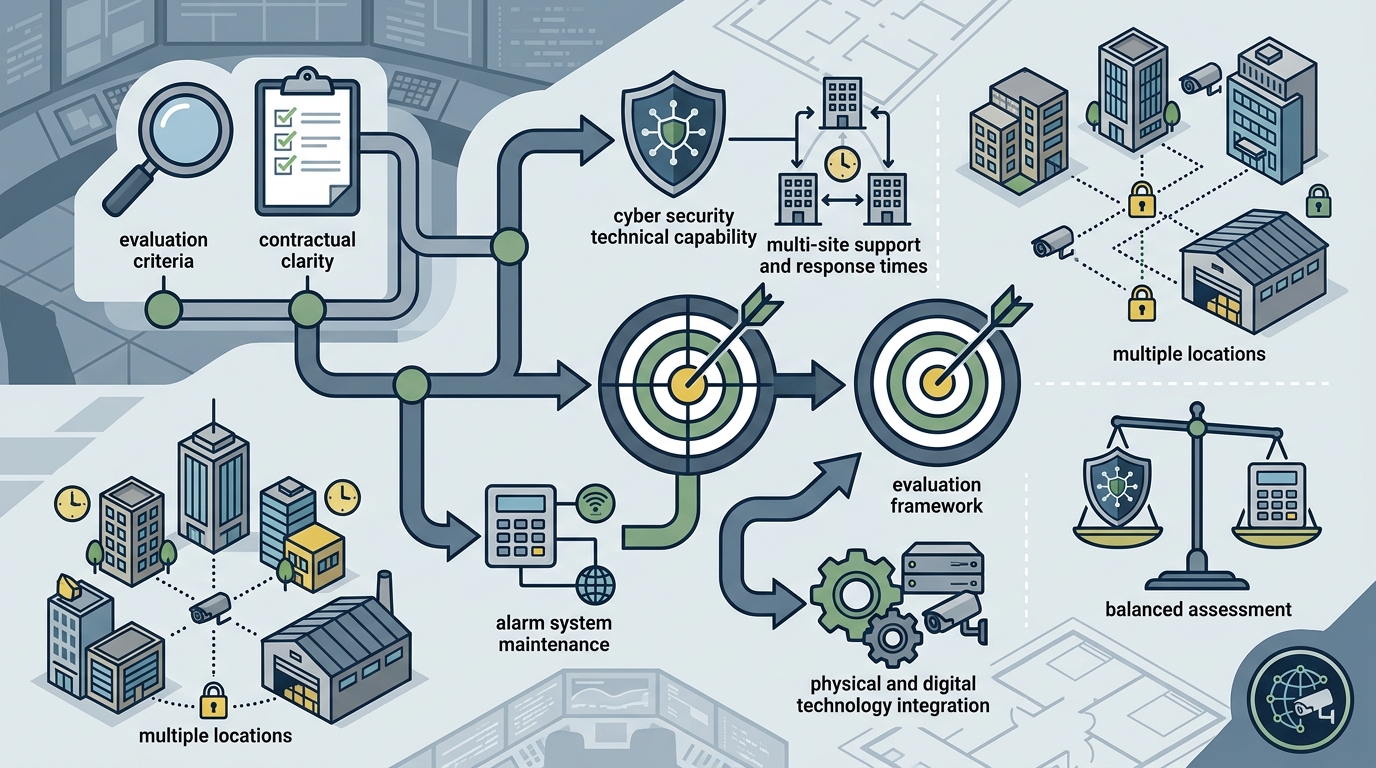
Choosing a vendor for ongoing cyber security and alarm system maintenance across multiple locations requires verifying technical capability, response times, and contractual clarity. Moore Technology and Security provides a framework for this evaluation, focusing on how a managed IT and security partner integrates physical and digital systems. This guide covers the specific criteria, questions, and verification steps needed to select a reliable partner for complex, multi-site environments. For additional details, review the mooretech biz.
How to Choose: Separating Good from Bad
Integration Capability
Look for a team that can manage the network cabling that powers the cameras and the firewalls that protect the data. If the vendor requires you to hire two separate companies, one for IT and one for security, you create a gap in accountability. The best vendors provide a single point of contact for both domains.
Scalability
Evaluate if the vendor’s platform can scale from a single office to a regional footprint. The tools used to manage one site must be capable of managing ten sites without a linear increase in complexity. Ask about their monitoring dashboards and how they aggregate alerts across different locations.
What to Ask: Specific Questions Before Committing
Generic questions yield generic answers. To evaluate a vendor for multi-site maintenance, you must ask specific, technical questions that reveal their operational reality. These questions force the vendor to demonstrate their actual capabilities rather than their marketing promises.
Response and Resolution
Ask: "What is your defined response time for a critical alarm failure versus a network outage?" A critical alarm failure is a state where the physical security system is offline. A network outage is a state where data connectivity is lost. The vendor must provide distinct SLAs for both. Ask: "How do you prioritize tickets when a site has both a network down and an alarm down?" This reveals their triage logic.
Staffing and Expertise
Ask: "Who is the specific engineer assigned to my account, and what are their certifications?" You need to know if the person answering the phone is the same person fixing the problem. Ask: "Do your technicians have experience with the specific brands of access control and intrusion systems we use?" Brand-specific expertise reduces troubleshooting time.
How to Verify: Checking Claims and Credentials
Credential Verification
Check for industry-standard certifications. While specific manufacturer authorizations vary, look for general IT security certifications and physical security designations. Verify these credentials through the issuing bodies’ public directories. Do not accept a certificate image; verify the active status of the credential.
Reference Checks
Request three references from clients with a similar multi-site footprint. Ask these references specifically about the vendor’s performance during a crisis. Did the vendor show up? Did they communicate? Did they resolve the issue? The quality of the reference check is a strong predictor of long-term success.
How It Works: Process and Timeline
The onboarding process for a multi-site vendor is a structured workflow that typically takes 4 to 8 weeks. This timeline is not arbitrary; it reflects the complexity of auditing, configuring, and integrating multiple locations. Understanding this process helps you set realistic expectations.
Phase 1: Discovery and Audit
The first phase involves a physical and digital audit of each site. The vendor assesses the existing cabling, network topology, and security hardware. This phase establishes the baseline. It is the most critical phase because it identifies gaps that will affect the final cost and scope.
Phase 2: Design and Proposal
Phase 3: Implementation and Monitoring
Implementation occurs site by site to minimize disruption. Once a site is live, it is added to the central monitoring platform. The vendor begins active monitoring, and the client receives a dashboard view of all sites. This phase transitions from project work to ongoing maintenance.
What It Costs: Price Drivers
Cost is driven by complexity, not just quantity. A common mistake is assuming that adding a second site halves the cost per site. In reality, multi-site management often increases the per-site cost due to the need for centralized monitoring infrastructure and specialized engineering. The price is determined by the number of devices, the level of monitoring, and the response time commitments.
Hardware vs. Service
Separate the cost of hardware from the cost of service. Hardware is a capital expense; service is an operational expense. A vendor should provide a clear breakdown of these two categories. Be wary of vendors who bundle them into a single opaque number. You need to know what you are paying for in each category.
Monitoring Tiers
What Goes Wrong: Common Mistakes
Businesses often make critical errors when selecting a multi-site vendor. These errors lead to poor service, high costs, and security gaps. Avoiding these mistakes is as important as choosing the right vendor.
The Silo Trap
The most common mistake is hiring separate vendors for IT and physical security. This creates a