

Data loss is no longer a matter of if, but when. According to recent industry analyses, the average cost of a data breach has surpassed four million dollars globally. For commercial enterprises, this statistic is not just a number; it is a direct threat to operational continuity. Upgrading your data backup infrastructure is not merely an IT maintenance task. It is a critical business survival strategy that ensures resilience against cyber threats, hardware failures, and human error.
Step 1: Assess Your Current Backup State
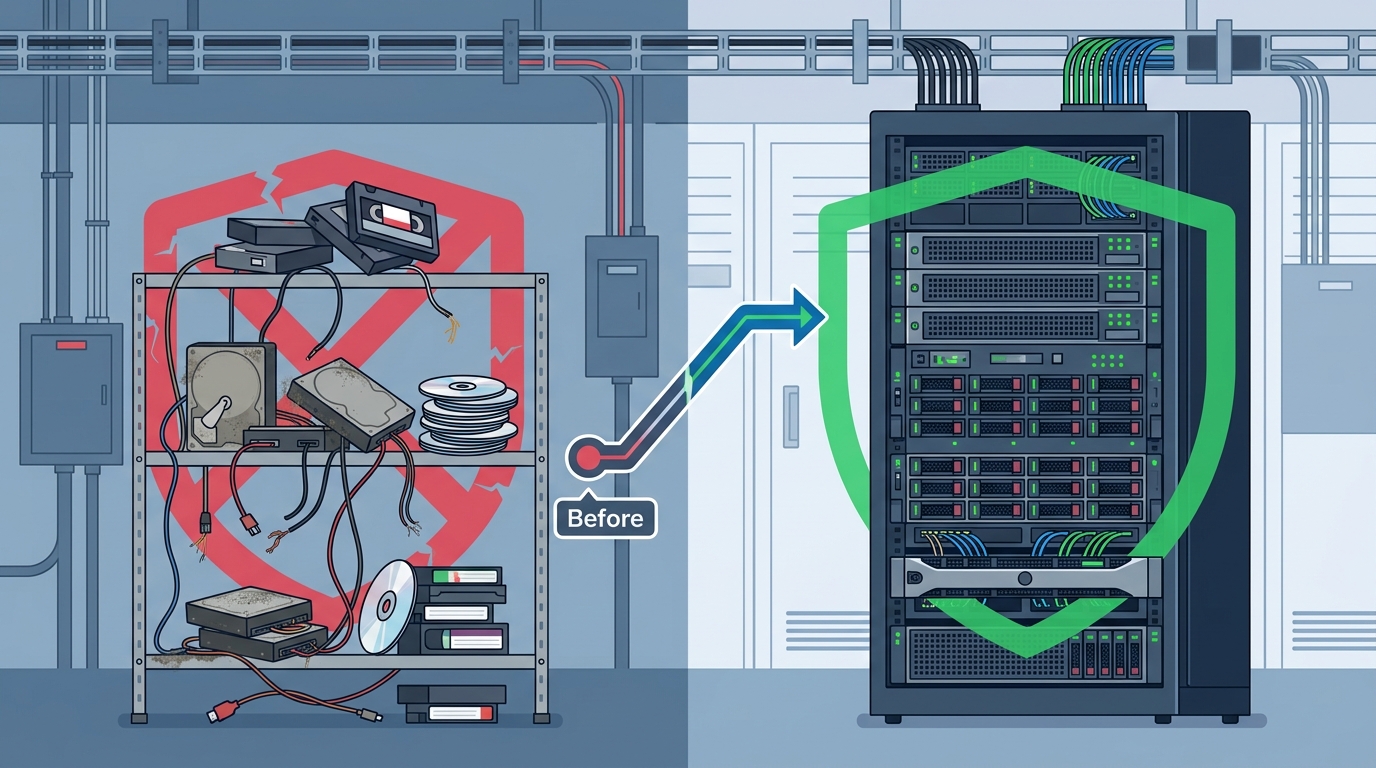
Before purchasing new hardware or subscribing to cloud services, you must understand your existing digital footprint. Many businesses operate on legacy tape drives or outdated local servers that lack redundancy. This assessment phase involves auditing every server, workstation, and cloud instance to determine what data is critical.
Data backup is the process of copying data to a secondary location to protect against data loss. Without a clear inventory, you cannot determine what needs protection. Start by identifying your most valuable assets. Are they customer databases, financial records, or proprietary intellectual property? Moore Technology specializes in comprehensive IT audits that map these critical assets. We help you understand exactly what is at risk before you invest in a solution. Visit our Managed IT services page to learn how we evaluate your current infrastructure.
During this assessment, look for gaps in coverage. Do you have unbacked-up workstations? Are cloud applications like Salesforce or Microsoft 365 included in your strategy? Often, businesses focus on servers but neglect the endpoints where most breaches originate. A thorough audit reveals these blind spots, allowing you to build a backup strategy that covers your entire digital ecosystem.
Step 2: Define RTO and RPO Requirements
Not all data is created equal. Your upgrade strategy must be driven by specific recovery metrics. Two key terms define your infrastructure needs: Recovery Time Objective (RTO) and Recovery Point Objective (RPO).
RTO is the maximum acceptable time between the data loss event and the restoration of operations. RPO is the maximum acceptable amount of data loss measured in time. For example, a financial trading firm might require an RPO of zero seconds and an RTO of minutes. A small retail office might tolerate an RPO of 24 hours and an RTO of one day.
Defining these metrics prevents over-engineering or under-protecting your systems. If you set an RPO of one hour, you need frequent incremental backups. If you set an RTO of ten minutes, you need high-speed replication capabilities. Moore Technology helps businesses in Montana, Texas, and Colorado define these critical parameters. We align your technical requirements with your business goals to ensure you are not spending money on unnecessary speed or leaving yourself vulnerable with insufficient recovery times. Learn more about our complete IT support solutions tailored to your specific operational needs.
Step 3: Choose the Right Backup Architecture
Once you know what to protect and how quickly you need to recover, you must select the right architecture. The modern landscape offers three primary options: On-Premises, Cloud-Only, and Hybrid.
On-Premises Backup
On-premises backup involves storing data on local servers or storage area networks (SANs) within your facility. This option offers the fastest recovery speeds for large datasets because data does not need to traverse the public internet. However, it requires significant capital expenditure for hardware and physical security. It also leaves you vulnerable to site-specific disasters like fire or flood.
Cloud-Only Backup
Cloud backup, or backup-as-a-service, sends encrypted data to remote data centers. This model eliminates hardware maintenance and offers geographic redundancy. However, recovery speeds can be slow for massive datasets due to bandwidth limitations. It also introduces ongoing subscription costs that can scale unpredictably.
Hybrid Backup Strategy
A hybrid approach combines the speed of local storage with the safety of the cloud. You keep recent backups on-site for quick recovery and replicate older backups to the cloud for disaster recovery. This is often the most robust solution for medium to large enterprises. Moore Technology designs custom hybrid architectures that leverage our expertise in managed IT services to balance cost, speed, and security.
| Feature | On-Premises | Cloud-Only | Hybrid |
|---|---|---|---|
| Recovery Speed | Fastest | Slowest | Fast (Recent Data) |
| Cost Model | High CapEx | OpEx (Subscription) | Mixed |
| Disaster Resilience | Low (Site-Specific) | High | Very High |
| Management Complexity | High | Low | Medium |
Step 4: Implement Immutable Security Protocols
The biggest threat to your backup infrastructure is not hardware failure; it is ransomware. Attackers specifically target backup systems to ensure that victims cannot restore their data without paying the ransom. Therefore, security must be baked into your upgrade, not added as an afterthought.
Immutable backups are a critical defense mechanism. Immutable backup is a storage method where data cannot be altered, deleted, or encrypted for a predetermined period. This ensures that even if an attacker gains administrative access to your network, they cannot corrupt your recovery files. Moore Technology integrates advanced cyber security protocols into every backup deployment. We ensure your data is encrypted in transit and at rest, using military-grade standards to protect sensitive information.
Additionally, implement the principle of least privilege. Only authorized personnel should have access to backup management consoles. Regularly audit these access logs to detect any unauthorized attempts to modify or delete backup jobs. This layer of defense is essential for maintaining the integrity of your recovery infrastructure.
Step 5: Automate Testing and Monitoring
A backup that fails to restore is worse than no backup at all. Many businesses discover their backups are corrupted only when they need them most. To prevent this, you must automate regular restore tests. This process verifies that your data is intact and that your recovery procedures work as expected.
Automated monitoring tools should alert your IT team immediately if a backup job fails, if storage capacity is running low, or if unusual activity is detected. Moore Technology provides 24/7 monitoring and support for our clients. Our technicians use remote access to diagnose and resolve issues before they impact your business. We ensure your backup infrastructure is not just installed, but actively maintained. Read more about our remote tech support capabilities.
Regular testing also helps you refine your RTO and RPO metrics. As your business grows, your recovery needs may change. Automated testing provides the data you need to adjust your strategy proactively. It turns backup management from a reactive chore into a proactive strategic advantage.
Key Takeaways
- Audit First: Never upgrade without a complete inventory of your critical data assets and current vulnerabilities.
- Define Metrics: Establish clear RTO and RPO goals to guide your technology selection and avoid over-engineering.
- Hybrid is Best: Combine local speed with cloud resilience for the most robust protection against diverse threats.
- Immutable Storage: Use immutable backup protocols to protect your data from ransomware and unauthorized modification.
- Test Regularly: Automated restore testing is the only way to verify the integrity of your backup infrastructure.
- Expert Support: Partner with a managed IT provider like Moore Technology for ongoing monitoring and rapid response.
Frequently Asked Questions
How often should I perform data backups?
The frequency depends on your Recovery Point Objective (RPO). Critical systems may require continuous replication, while less critical data might only need daily backups. Moore Technology helps you determine the optimal schedule based on your business needs.
What is the difference between backup and disaster recovery?
Backup is the process of copying data to a secondary location. Disaster recovery is the broader strategy and set of procedures for restoring that data and resuming operations after a catastrophic event. Both are essential components of a resilient IT infrastructure.
Can Moore Technology help with cloud migration for backups?
Yes. We specialize in designing hybrid cloud architectures that balance cost and performance. Our team manages the entire migration process, ensuring data integrity and minimal downtime during the transition.
Is off-site backup necessary if I have cloud storage?
Yes. Cloud storage providers are generally off-site by definition. However, relying solely on one provider creates a single point of failure. A hybrid approach ensures you have local copies for speed and cloud copies for geographic redundancy.
How do I protect my backups from ransomware?
Use immutable storage, encrypt data in transit and at rest, and restrict access to backup systems. Regular testing and monitoring are also crucial to detect any attempts to tamper with your backup jobs.
What is Moore Technology's service area?
While we are headquartered in Bozeman, Montana, we provide nationwide installation coverage and remote support. Our service calls span Montana, Texas, and Colorado, with the ability to support surrounding states and remote clients globally.
Contact Moore Technology
Upgrading your data backup infrastructure is a complex process that requires expertise, planning, and ongoing support. Moore Technology is your trusted partner in technology success. We provide complete IT support, cyber security, and managed services tailored to your unique business needs. From initial assessment to implementation and monitoring, we ensure your data is safe, secure, and recoverable.
Do not wait for a disaster to test your backup strategy. Contact Moore Technology today to schedule a consultation. Visit our contact page to speak with our team. Call us at (406) 284-8324 to discuss how we can protect your business with our elite installation and repair coverage.