
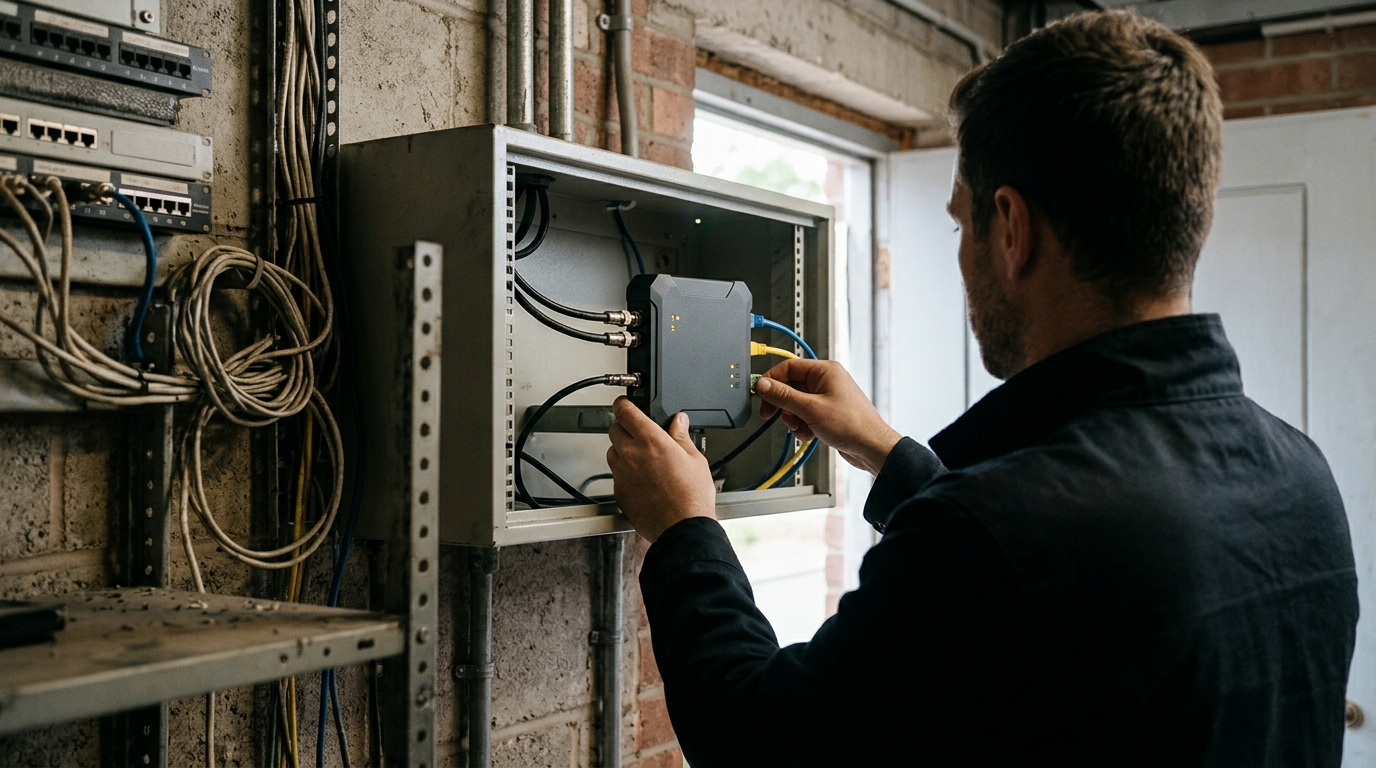
A cloud bridge gateway is a hardware device that translates legacy analog or local network video signals into a cloud-compatible digital format. You need one if you want to access older, non-cloud-native cameras remotely without replacing the entire physical infrastructure. Moore Technology and Security helps businesses in Montana, Texas, and Colorado evaluate whether a bridge is the right fit for their existing hardware.
Understanding the Cloud Bridge Gateway
Cloud bridge gateway is a specialized network appliance that acts as a translator between on-premise video devices and internet-based storage or viewing platforms. It captures the raw video feed from older cameras and encapsulates it into a protocol that cloud providers can ingest. This allows you to keep your existing lenses, cabling, and mounting hardware while gaining the flexibility of remote access.
How the Translation Works
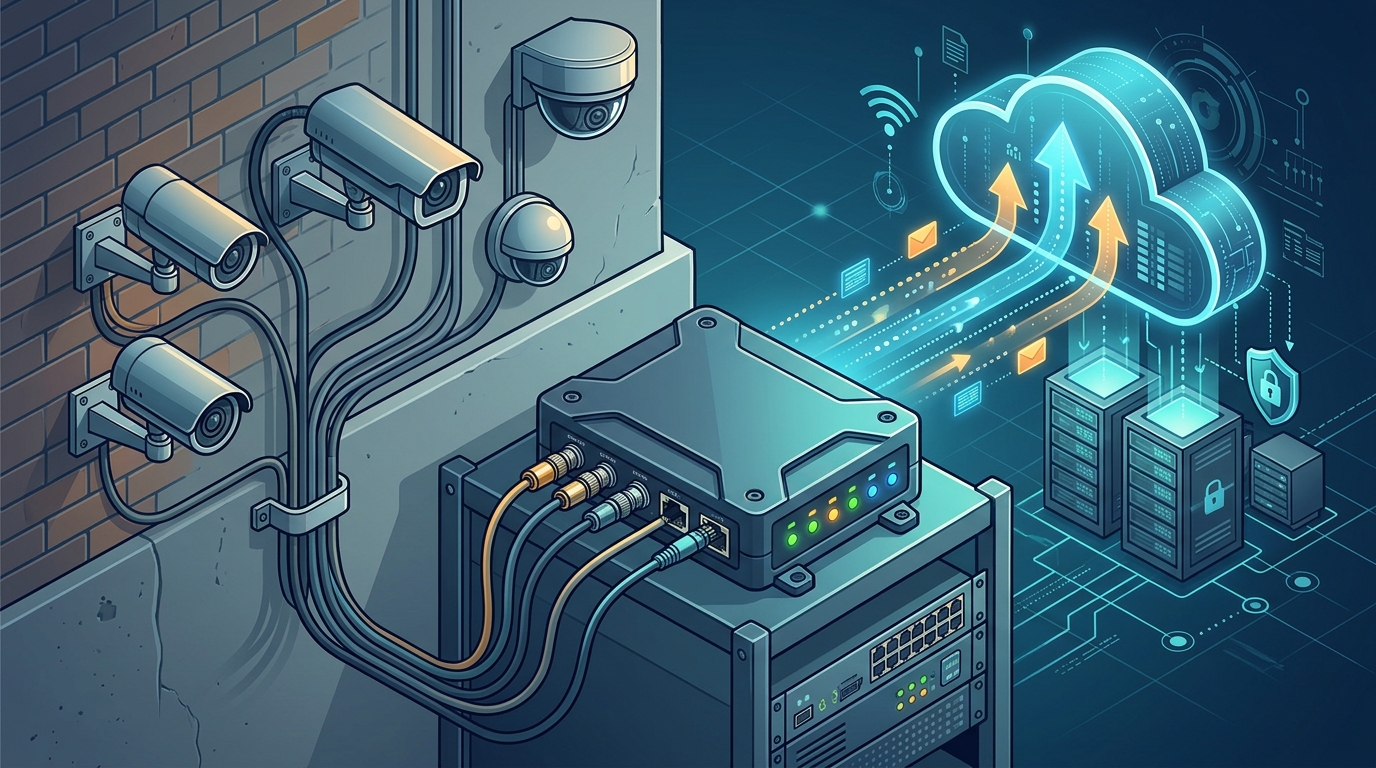
Most legacy systems use analog coaxial cables or older digital protocols that do not speak the language of modern cloud APIs. The gateway sits between the camera and the network switch. It compresses the video stream and sends it securely to a cloud endpoint. This process happens in real-time, ensuring that the latency remains low enough for live monitoring.
Protocol Compatibility
Do You Actually Need a Bridge?
Cost-Benefit Analysis
When Replacement is Better
There are scenarios where a bridge is not the right choice. If your cameras are over ten years old, they may suffer from low resolution or poor low-light performance. In these cases, the video quality may be too poor for effective cloud monitoring. Additionally, if your cabling is damaged or obsolete, the cost of repairing the physical infrastructure may exceed the cost of a new system.
Network Requirements and Bandwidth
Connecting multiple cameras to the cloud requires substantial internet bandwidth. A single high-definition camera can consume between 4 and 8 megabits per second of upload speed. If you have ten cameras, you need at least 40 to 80 megabits of consistent upload capacity. Without sufficient bandwidth, the cloud feed will buffer, freeze, or drop out entirely.
Upload vs. Download Speed
Many businesses focus on download speed for web browsing but ignore upload speed. Cloud surveillance relies heavily on uploading video data to remote servers. You must test your actual upload speed during peak business hours. If your current internet plan is insufficient, you may need to upgrade your service before installing the bridge.
Local Network Stability
The bridge also requires a stable local network connection. It should be connected to a managed switch with Quality of Service (QoS) settings. QoS prioritizes video traffic over other data, such as email or web browsing. This ensures that the video stream remains smooth even when other parts of the network are busy.
Security Considerations for Cloud Video
Device Hardening
The gateway itself is a network device that can be targeted by cyberattacks. It must have a secure boot process and regular firmware updates. Moore Technology and Security emphasizes the importance of isolating video devices on a separate Virtual Local Area Network (VLAN). This segmentation prevents a compromised camera from spreading to the rest of your business network.
Compliance and Data Privacy
Storing video in the cloud raises data privacy questions. You must understand where the data is stored and who has access to it. Some cloud providers store data in specific geographic regions. Ensure that the provider complies with relevant data protection regulations. A professional IT partner can help you configure the bridge to meet your specific compliance needs.
Implementation with Moore Technology and Security
Site Assessment
Managed Support
Key Takeaways
- A cloud bridge gateway translates legacy video signals into a cloud-compatible format.
- Bandwidth requirements scale with the number of cameras and resolution.
- Strong encryption and network segmentation are critical for security.
- Replacing old cameras may be more cost-effective if video quality is poor.
- Professional assessment ensures compatibility and optimal network configuration.
Frequently Asked Questions
Can I connect any camera to a cloud bridge?
How much internet speed do I need for cloud cameras?
Is a cloud bridge more secure than a local NVR?
Security depends on configuration. A local Network Video Recorder (NVR) keeps data on-premise, while a cloud bridge sends data to remote servers. Both require strong encryption and access controls. A cloud bridge adds the risk of internet exposure, which must be mitigated with proper network segmentation and firewalls.
Can I use a cloud bridge with a new camera system?
Yes, but it is often unnecessary. Modern cloud-native cameras can connect directly to cloud services without a bridge. A bridge is primarily useful for integrating older, legacy hardware. For new installations, direct cloud connectivity is usually simpler and more cost-effective.
What happens if my internet goes down?
If your internet connection fails, you lose access to the cloud feed. However, if you have a local NVR or storage, the cameras may continue recording locally. The bridge can be configured to buffer video locally during outages and upload it once the connection is restored. This ensures no footage is lost.
How long does installation take?
Installation time varies based on the complexity of your network. A simple setup with a few cameras may take a few hours. A complex installation involving multiple sites and network reconfiguration can take several days. A professional assessment provides a more accurate timeline. Learn more: mooretech biz.