

A cloud management dashboard allows business owners to monitor, configure, and troubleshoot their office Wi-Fi network remotely from any internet-connected device. It eliminates the need for a dedicated on-site IT technician for routine tasks by centralizing control, visibility, and automated alerts into a single web-based interface. This approach reduces downtime and operational costs for small to mid-sized businesses that lack full-time technical staff.
What Is a Cloud Management Dashboard?
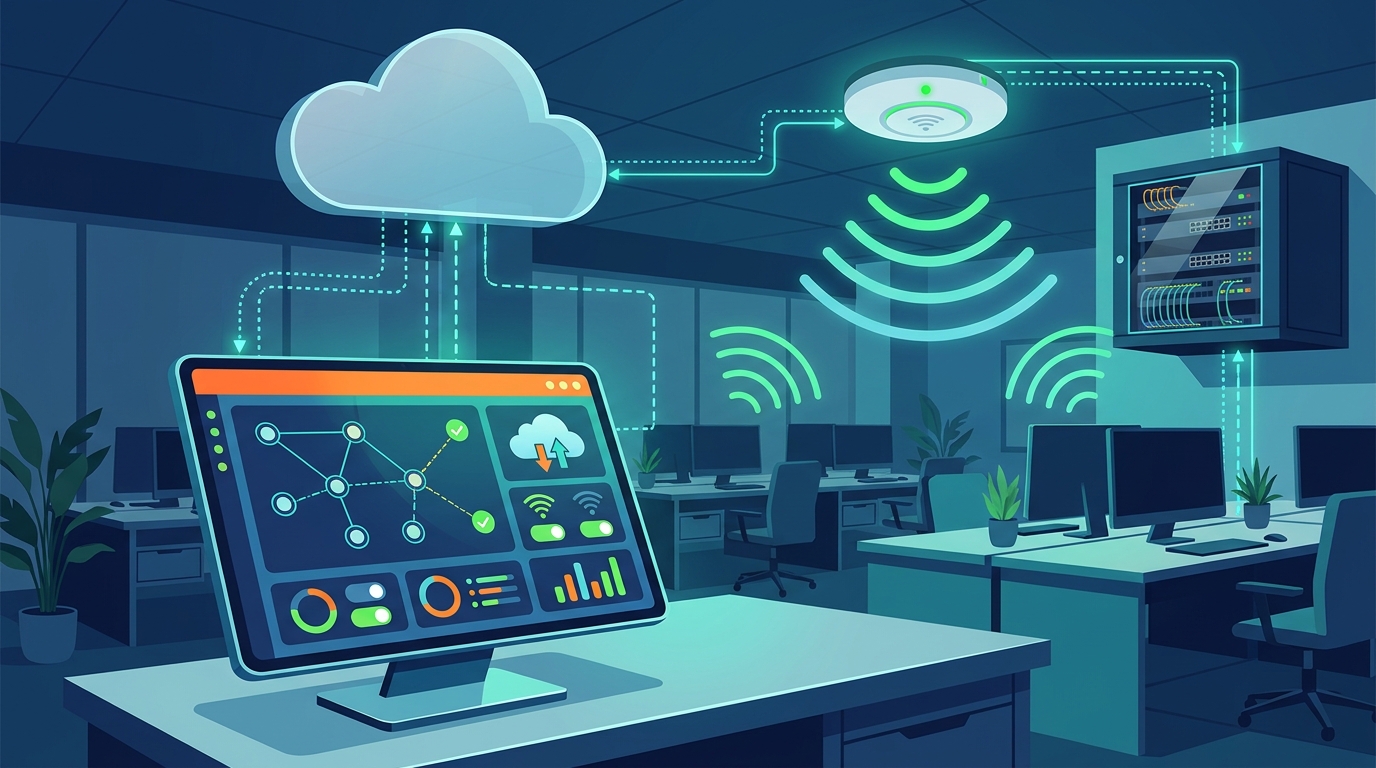
A cloud management dashboard is a centralized web interface that provides real-time visibility and control over distributed network hardware. It aggregates data from access points, switches, and routers into a single pane of glass. This architecture shifts network administration from local command-line interfaces to a browser-based environment accessible from anywhere.
Traditional on-premise management requires physical access to the network controller or a dedicated management server. Cloud-based systems remove this dependency by hosting the management plane in a secure, redundant data center. For businesses in Montana, Texas, and Colorado, this means that a manager in Billings can manage a network in Denver without traveling. The system syncs configurations across all sites, ensuring consistency and reducing human error during updates.
Remote Control Capabilities
Remote control capabilities allow administrators to modify network settings, push firmware updates, and manage user access without physical presence. You can create new SSIDs, adjust channel widths, and update security protocols directly from the dashboard. These changes propagate to the hardware within seconds, allowing for immediate resolution of connectivity issues.
Consider a scenario where a guest network becomes overloaded during a client visit. An administrator can remotely throttle bandwidth or create a temporary high-priority SSID for VIP guests. This level of granularity is impossible with basic consumer-grade routers. The dashboard provides a map view of all access points, showing signal strength and client count for each device. This visual data helps identify dead zones or interference issues that require physical adjustment, such as repositioning an antenna.
Security and Monitoring
Troubleshooting Workflows
Troubleshooting workflows in a cloud dashboard streamline the diagnostic process for common network issues. When a user reports slow internet speeds, the administrator can view the specific client’s connection history and signal quality. The dashboard identifies whether the issue is related to the access point, the backhaul connection, or the client device itself. This targeted approach reduces mean time to resolution significantly.
For example, if multiple users in a specific office area report connectivity drops, the dashboard will highlight the corresponding access point as degraded. The administrator can then remotely reboot the device or check for firmware errors. If the issue persists, the system provides detailed logs that can be shared with the hardware vendor or a managed IT provider. This structured workflow ensures that no step is missed, even when the administrator is not physically present at the site.
Implementation Considerations
Key Takeaways
- A cloud management dashboard centralizes control of distributed Wi-Fi networks into a single web interface.
- Remote administration allows for real-time configuration changes and firmware updates without on-site staff.
- Continuous monitoring provides visibility into network health, security threats, and client connectivity.
- Automated alerts and audit trails enhance security and accountability for network changes.
- Structured troubleshooting workflows reduce downtime by identifying root causes quickly.
- Reliable internet connectivity is essential for maintaining remote management capabilities.
- Professional implementation ensures that hardware and configuration are optimized for cloud management.
Frequently Asked Questions
Can I manage my Wi-Fi from my phone?
What happens if my internet connection goes down?
If the internet connection at a site fails, the local network may continue to function for connected devices, but remote management via the cloud dashboard will be unavailable. The access points typically operate in a local mode, maintaining existing configurations. Once the internet connection is restored, the dashboard will resynchronize and display the latest status and logs.
Do I still need an IT provider if I have a cloud dashboard?
How secure is the cloud management platform?
Reputable cloud management platforms use encryption in transit and at rest, multi-factor authentication, and regular security audits. They are designed to meet industry standards for data protection. However, security is a shared responsibility. Administrators must use strong passwords, enable multi-factor authentication, and regularly review access permissions to maintain a secure environment.
Can I manage multiple locations from one dashboard?
Yes, one of the primary benefits of cloud management is the ability to manage multiple sites from a single interface. You can view the status of all locations, apply global policies, and drill down into specific sites for detailed analysis. This scalability makes it ideal for businesses with multiple offices or branches across different regions.
What kind of hardware is compatible with cloud dashboards?
Conclusion
A cloud management dashboard empowers business owners to take control of their office Wi-Fi without relying on on-site IT staff. It provides the visibility, control, and security needed to maintain a reliable network in today’s distributed work environment. By leveraging these tools, you can reduce downtime, improve user experience, and focus on your core business activities.
Moore Technology and Security is committed to helping businesses in Montana, Texas, and Colorado implement effective cloud-managed networks. Our team of experts designs, installs, and manages technology systems that align with your specific operational needs. To discuss how a cloud management dashboard can benefit your organization, contact our team. Learn more: mooretech biz.